
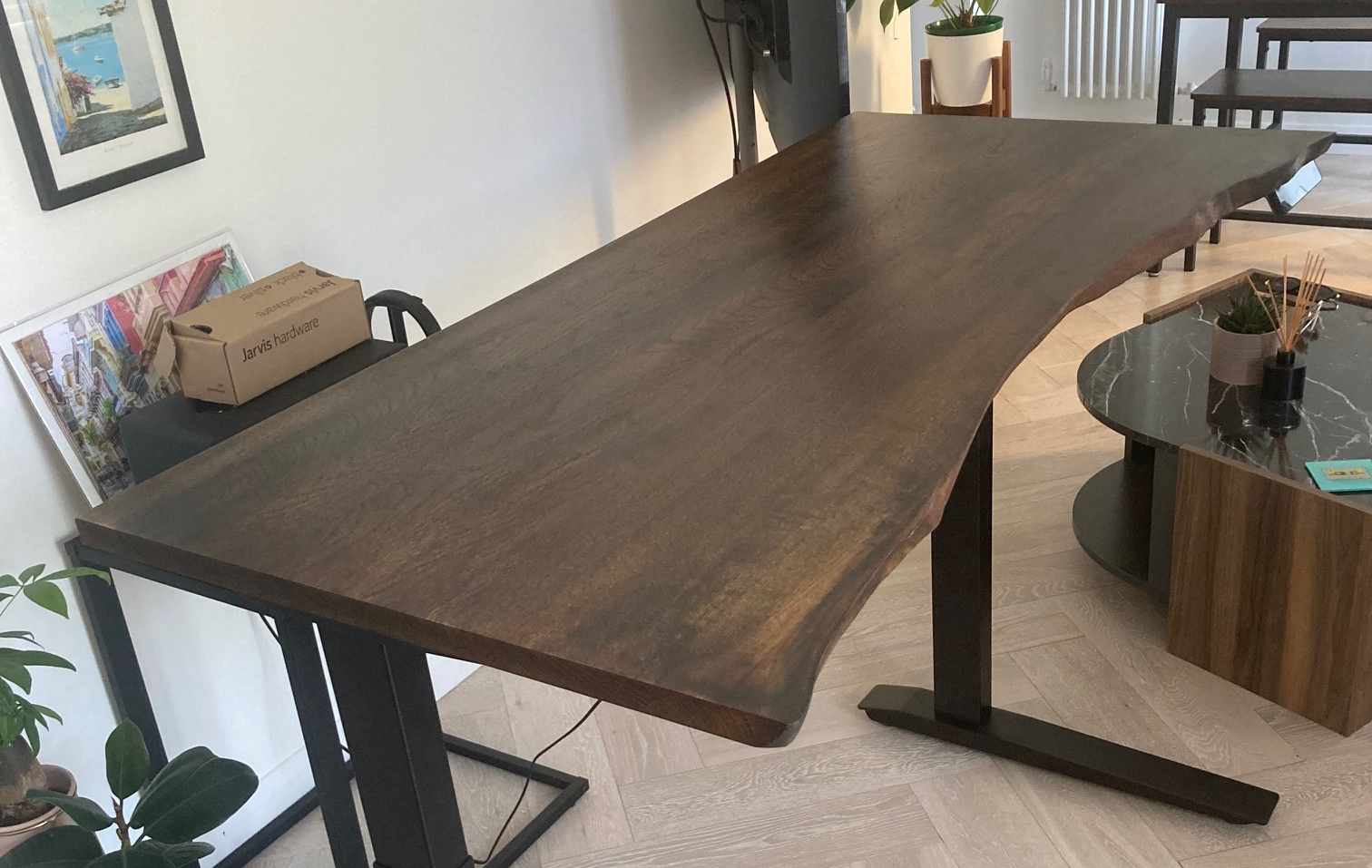
What desk size works best for full-time home working?
A full-time home working desk needs enough width and depth for your equipment, comfortable arm position, and day-to-day tasks without crowding the room. For many people, that means judging size by how they actually work, not by a generic standard measurement. The right choice depends on room layout, monitor setup, desk height, legroom, storage, and whether your work is likely to change over time.
Table of Contents
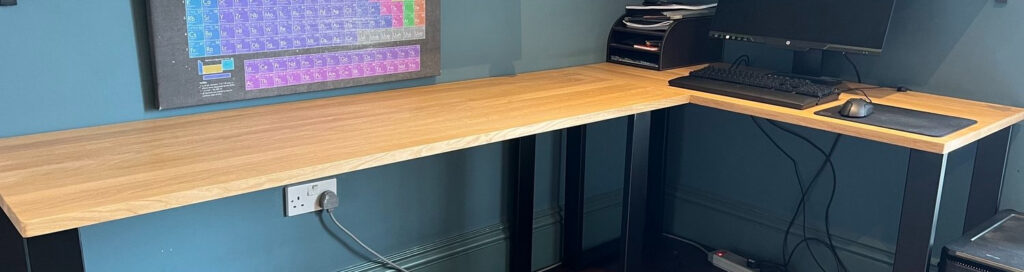
Why desk size matters for full-time home working
A kitchen table can cope with the odd afternoon of emails. A full working week is different. Once you spend hours at the same surface every day, small sizing problems become obvious very quickly.
Desk dimensions affect posture, reach, screen distance, and how easily you can switch between tasks. If the desk is too shallow, the monitor ends up too close or the keyboard sits at an awkward angle. If it is too narrow, paperwork, a laptop, and a cup of tea start competing for the same patch of space.
Full-time remote work also changes what “enough room” really means. A desk that feels generous for occasional admin can feel cramped once it has to hold screens, chargers, notebooks, and the bits of working life that collect through the week. HSE guidance and general ergonomic guidelines tend to focus on fit, support, and safe positioning, which means that size is part of workplace comfort, not a decorative extra.
Room layout matters as much as comfort. A desk that dominates a spare bedroom can make the whole space harder to use, yet an undersized desk often pushes clutter into shelves, windowsills, or the floor beside you. Good workspace ergonomics depend on the whole setup working together, including the chair, the screen position, and the space around your knees and elbows.
Many people assume there is a standard home office desk size that suits everyone. There is not. Someone using a laptop and one notebook has very different needs from someone working with two monitors, reference documents, and daily video calls.
Measuring your space: practical constraints and opportunities
Accurate measuring gives you more options, not fewer. A room that looks too tight on first glance can sometimes take a wider desk than expected, especially if the depth is chosen carefully.
Start with the space you can genuinely give to the desk, not the gap that remains after everything else is in the room. Measure wall to wall, then note doors, skirting boards, radiators, sockets, window ledges, and any furniture that affects access. In many UK homes, box rooms and alcoves create awkward dimensions, but they can also suit a custom desk size very well.
Use this quick measuring sequence:
- Measure the maximum width and depth available.
- Check the clearance needed to pull out your chair and move behind it.
- Mark radiator position, plug sockets, and any under-window restrictions.
- Note where cables need to run, especially if the desk will face into the room.
- Test the footprint on the floor with masking tape or paper.
That final step often changes the decision. A desk may fit on paper but feel much larger once its footprint is marked out where you walk every day.
Shared spaces need extra thought. If the desk sits in a bedroom, dining area, or living room corner, leave enough room for drawers, passing movement, and ordinary household use. Cable management also matters here, because trailing leads can make a modest desk feel more intrusive than it is.
Where the room is awkward, made-to-measure sizing can solve problems that off-the-shelf desks cannot. A workshop such as Tablemaker may be relevant if you need a top cut to a specific width, a shallower depth near a doorway, or a size that fits an existing frame. Those small adjustments can turn a difficult corner into a workable home office.
Desk depth and width: what do you actually need?
Width and depth shape the desk more than any other measurements. They decide whether your work feels settled or squeezed.
Depth is often overlooked first. A shallow desk can work for laptop-only use, but full-time work usually becomes more comfortable once there is enough distance between your eyes and the screen, plus room for a keyboard and free movement in front of it. Monitor arms can help reclaim surface area, though they do not remove the need for a sensible starting depth.
Width depends on what stays on the desk all day. A single-screen setup with little paperwork needs far less elbow room than a desk shared by a laptop, monitor, notebook, headphones, and documents. If your job involves reviewing paper alongside a screen, the working width needs to accommodate both without forcing constant reshuffling.
Here is a simple guide to how setups differ:
Setup | Likely depth need | Likely width need
|
|---|---|---|
Laptop only | Modest | Modest |
Laptop and monitor | Medium | Medium |
Single monitor with paperwork | Medium to generous | Generous |
Dual monitors | Generous | Generous |
Sit-stand frame with accessories | Medium to generous | Medium to generous |
A narrow desk can still work well if the equipment footprint is small and storage sits elsewhere. By contrast, a wide desk with very little depth can look impressive but feel awkward in use, because your wrists, screen distance, and writing space all compete from front to back.
Made-to-measure tops are useful here because common off-the-shelf dimensions often fall between what people actually need. A person using a compact frame in a small room may want extra width without extra depth. Someone else may need the opposite. Tablemaker, incidentally, offers desk tops in fine size increments, which suits spaces where a few centimetres matter.
Pro Tip: Take into account under-desk features like drawers and rails during planning, as they can significantly reduce usable legroom even in a spacious workspace.
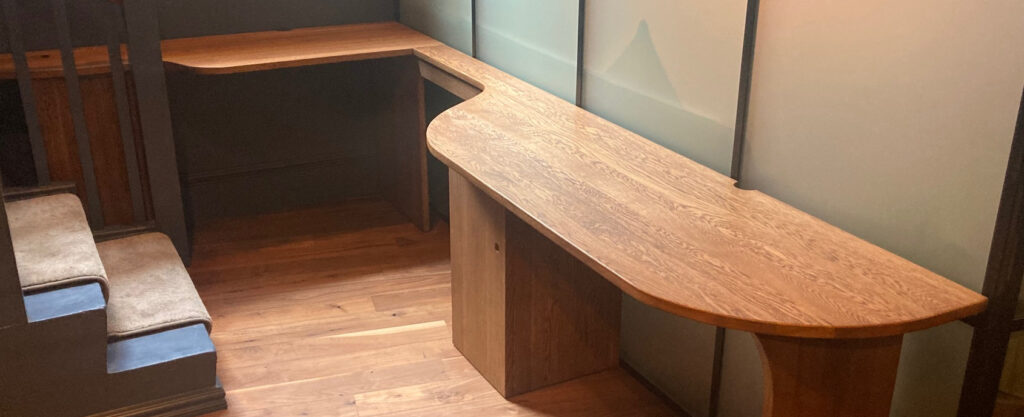
Pro Tip: Marking out a desk’s footprint on your floor with tape or paper lets you spot any day-to-day movement issues before you buy.
Height, legroom, and adjustability: getting the basics right
Desk height matters every bit as much as surface area. Even a well-sized top can feel wrong if the working height does not suit your chair, screen, and body.
Many fixed desks sit around a familiar standard height, but that does not mean the fit is right for everyone. Taller users often struggle with tight leg clearance or low under-desk rails. Shorter users can end up with shoulders raised if the desk is too high and the chair cannot compensate comfortably.
Legroom is often reduced by things that seem minor on a product page. Thick tops, under-desk drawers, support rails, cable trays, and crossbars all take up usable space below the surface. Once you sit down for eight hours, a few lost centimetres can make the setup feel far more restrictive than expected.
Keep these checks in mind:
- Measure from the floor to the underside of the desk, not just the top surface.
- Check whether under-desk storage will interfere with your knees.
- Confirm that chair arms fit beneath the front edge if that matters to how you sit.
- If you use a sit-stand frame, make sure the top size and thickness suit the base.
Adjustable desk frames can solve some fit issues, especially in shared households or for people who vary between sitting and standing through the day. Yet frame compatibility still matters. Top thickness, mounting points, and overall weight all affect how well the finished desk works. A solid wood top for a sit-stand desk needs to be considered as part of the whole system, not as a separate afterthought.
Planning for equipment, storage, and everyday use
What actually lives on your desk from Monday to Friday? That answer usually tells you more than any generic buying guide.
Some people need little more than a monitor, keyboard, and lamp. Others have notebooks open all day, a docking station, speakers, charging cables, paperwork, and reference books within reach. A desk that works beautifully in a tidy photograph can become frustrating once ordinary working habits move in.
Storage should support the desk, not eat into it. Under-desk drawers can be useful if they do not reduce knee space too much. Shelving beside the desk often works better for items used once or twice a day. Monitor risers can free a little surface area, though they also add another object to account for in the overall layout.
Cables are part of desk planning whether you like them or not. Power strips, charging leads, and monitor connections need routes that do not drag across your writing area or tangle around your feet. If the desk sits away from the wall, cable management becomes part of the size decision because extra depth or width may be needed to keep things orderly.
Future use deserves a place in the plan as well. A desk that only just fits today’s setup may feel restrictive once a second screen, new laptop, or external keyboard arrives. Leaving a margin for change usually works better than choosing the smallest possible surface and hoping to stay neat forever.
Material and construction: why they influence sizing decisions
Material affects more than appearance. It changes what sizes are practical, how the desk behaves over time, and whether the surface can be refreshed after years of daily use.
Solid wood desk tops, including solid oak, differ from veneered or composite options because the material has natural movement and long-term repair potential. That means construction details matter. Full-stave construction, timber preparation, and grain direction all influence stability, especially on larger tops.
Straightening bars are one of those details that have a direct effect on use. Fitted across the grain, they help limit cupping and keep a larger top flatter in service. Thickness matters too, because a thicker top can feel more substantial and durable, but it also affects leg clearance and the visual weight of the desk in a smaller room.
A few practical implications stand out:
- Solid wood can often be sanded and refinished, which extends working life.
- Larger sizes may need thoughtful support and compatible bases.
- Thickness changes both appearance and under-desk space.
- Custom sizing is often easier where tops are made to order.
For readers weighing up long-term use, this is where workshop-led construction becomes relevant. A maker such as Tablemaker can size a top to suit an existing base, awkward alcove, or sit-stand frame while still accounting for how the timber will behave. That is less about style and more about ending up with a desk that fits the room and stays useful.
Find Your Perfect Desk
Measure your space and explore custom desk tops tailored for full-time home working.
Start Your Desk SearchCommon pitfalls and misconceptions about desk sizing
Most desk sizing mistakes are quite ordinary. They usually come from assumptions that seem sensible at the time.
- Buying for the room and forgetting the work. A desk may fit the wall perfectly but still be too small for your monitor, keyboard, and paperwork once the working day starts.
- Assuming standard sizes are automatically suitable. Home office guides often present common dimensions as if they are universal. Personal fit, equipment, and task type matter far more.
- Ignoring the space below the desk. Under-desk drawers, rails, cable trays, and thick tops can reduce comfort even if the surface itself seems large enough.
- Measuring the footprint but not the movement around it. Chair clearance, walking routes, and door swing can all affect whether the desk feels practical in daily use.
- Planning only for your current setup. A laptop-only desk can become inadequate very quickly if your role changes or extra equipment is added.
One common regret appears after the desk arrives and the room suddenly feels tighter than expected. Another appears after a week of work, when the surface is technically usable but never quite comfortable. Those are different problems, and both usually start with sizing that looked acceptable in theory.
Rethinking desk size: long-term flexibility and adaptation
Full-time home working rarely stays frozen. Equipment changes, roles shift, rooms get repurposed, and what felt ample in one year can feel limiting in the next.
A desk with some flexibility usually lasts better in both practical and material terms. Extra width can make space for a second screen later on. A well-made top can move to a new base if your setup changes. Repairable materials can be refinished after wear instead of replaced at the first signs of use.
Modular furniture and adaptable desk tops have a place here, especially in homes where one room serves several purposes. Equally, a straightforward made-to-measure desk can offer its own kind of flexibility by fitting the space properly from the start. Choosing “just enough” often sounds efficient, but it can leave no room for changes in work habits, storage needs, or shared use.
The best desk size is usually the one that suits your actual working day now and still has a little generosity built in. That margin is what keeps a home workspace usable once real life, extra equipment, and time have had their say.
Expert Home Office Design
Get practical advice on creating a comfortable and productive home workspace that suits your needs now and in the future.
Request Design Consultation
Tablemaker
55 High St, London N8 7QB
02083416334
HVQM+58 London